Keep your brand visible after checkout
Let customers see your store’s name and logo alongside shipment updates. Your tracking page extends the branded shopping experience beyond checkout, with your message and support contact in the same place.
Give customers a tracking page on your Shopify store domain, with your store name, logo, and shipment information in one place. DSers brings your brand into the delivery experience and lets you showcase selected store products while customers check their orders.
Get Started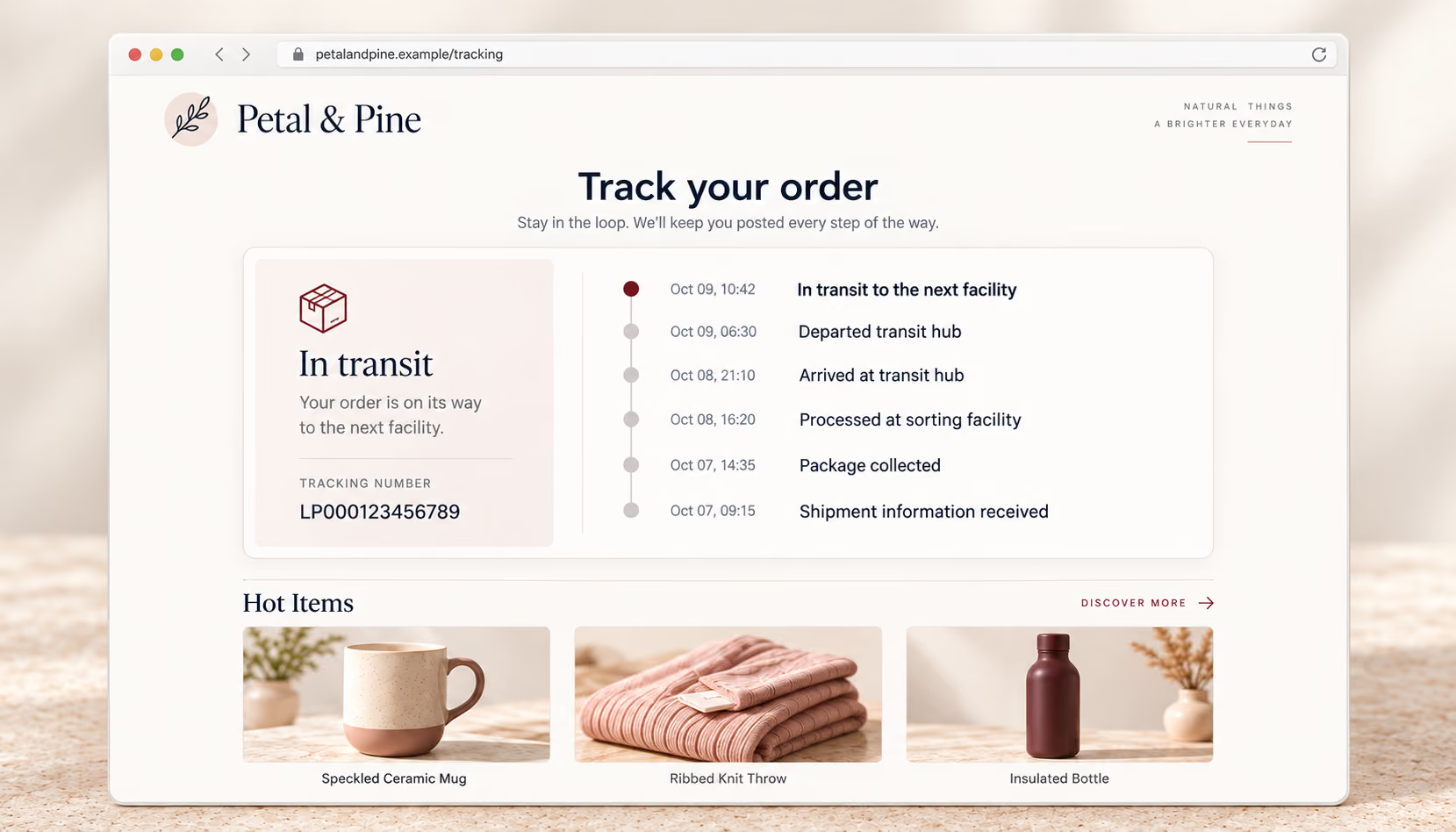
A branded tracking page is a customer-facing page where customers view shipment information alongside your store identity. With DSers, customers reach it through the tracking link in their shipping confirmation email and stay on your store domain.
Your logo and store name help customers recognize the business they purchased from. A brand message and support email add context and a way to contact you. The page gives your delivery updates a familiar home after checkout, when customers are waiting for their purchase and looking for reassurance.
Customers often follow a shipping email link or enter their tracking number on a third-party site such as Cainiao or 17TRACK. That takes them away from your store, and the tracking details may reveal a shipping origin such as China. If that differs from what a customer expected, it can raise questions about your store and the delivery.
| Comparison | Third-party tracking sites | DSers Tracking Page |
|---|---|---|
| Where customers track orders | On sites such as Cainiao or 17TRACK | On your Shopify store domain |
| Your store branding | Your store name and logo are not displayed | Your store name and logo appear on the page |
| Shipping origin details | Tracking updates may show that an order shipped from China | Option to filter out updates indicating shipment from China |
| Your store products | No display of your selected store products | Showcase up to four products you select from your store |
Let customers see your store’s name and logo alongside shipment updates. Your tracking page extends the branded shopping experience beyond checkout, with your message and support contact in the same place.
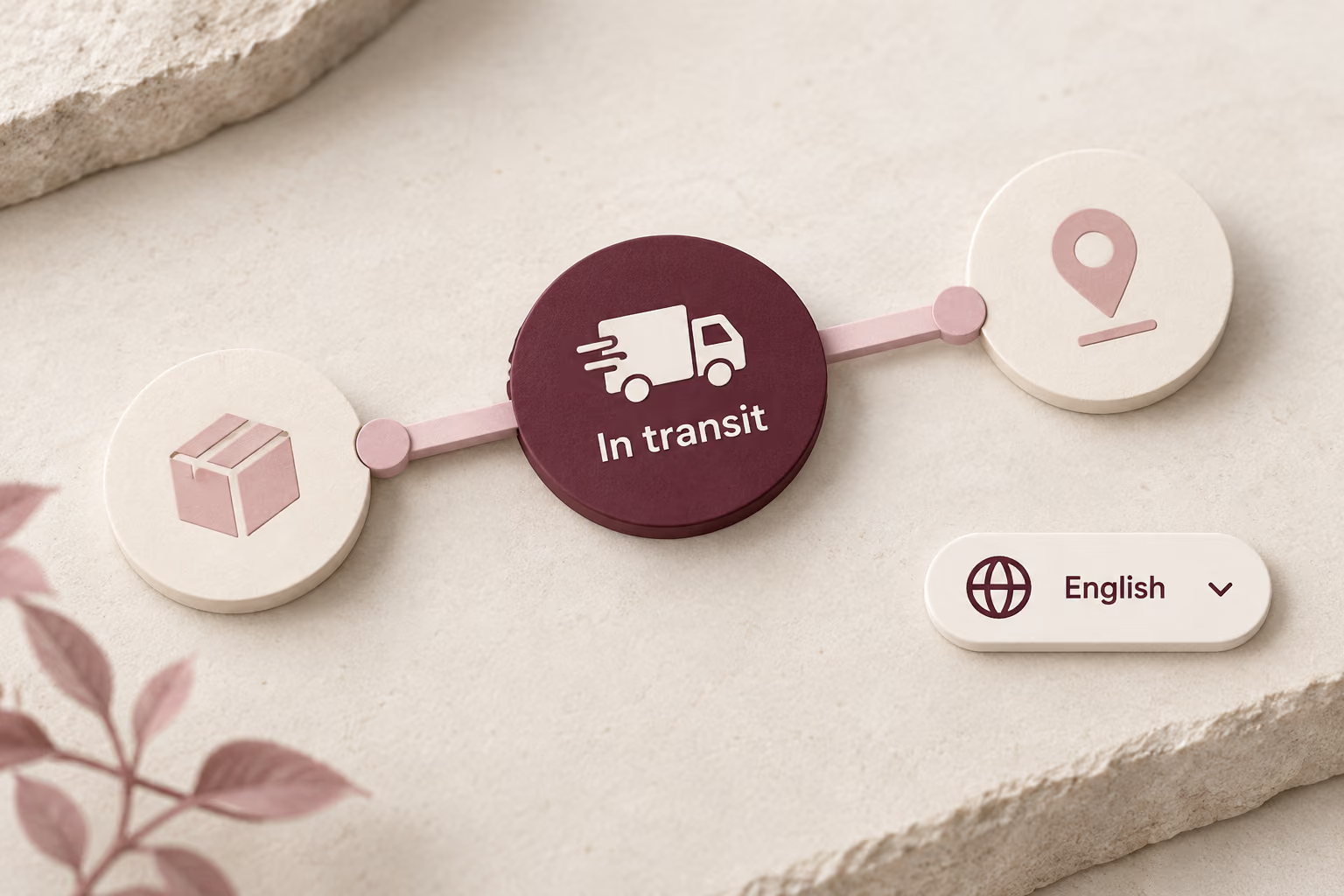
Shipping details that show an order came from China may raise questions when they differ from customers’ expectations. Hiding those details helps keep the tracking experience consistent with your store’s brand.
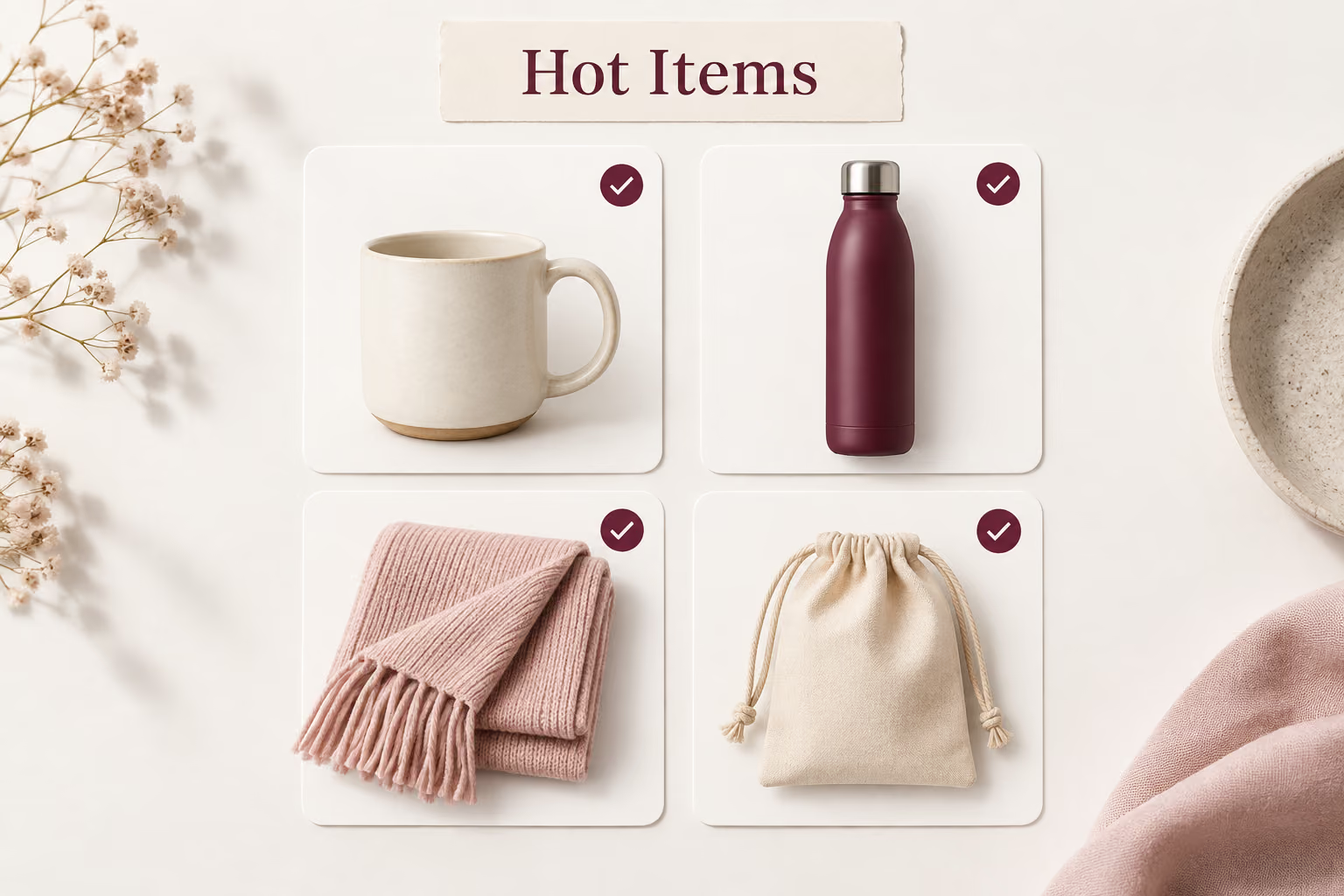
Turn a tracking check into an opportunity to discover more of your store. When customers follow the link in their shipping confirmation email, your selected products appear alongside shipment information, with direct links to shop those items.
Once you activate the page, DSers updates the tracking URL in your Shopify settings. Customers click the tracking link in their shipping confirmation email to check shipment updates on your store domain.
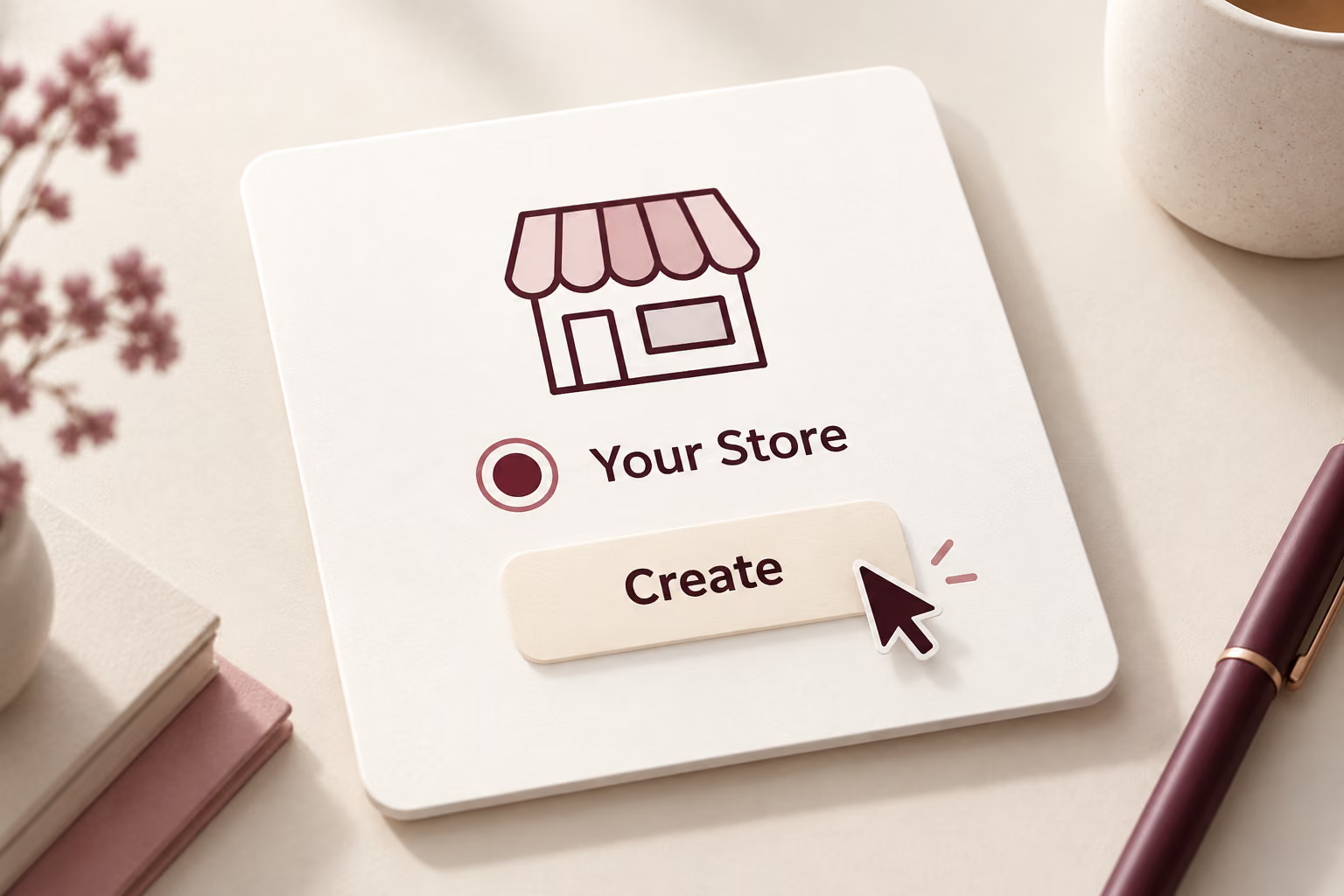
In DSers, open Tracking > Tracking page, click CREATE PAGE, select your Shopify store, and click Create. Each store can have one tracking page. A store that already has a page will not be available for another selection.
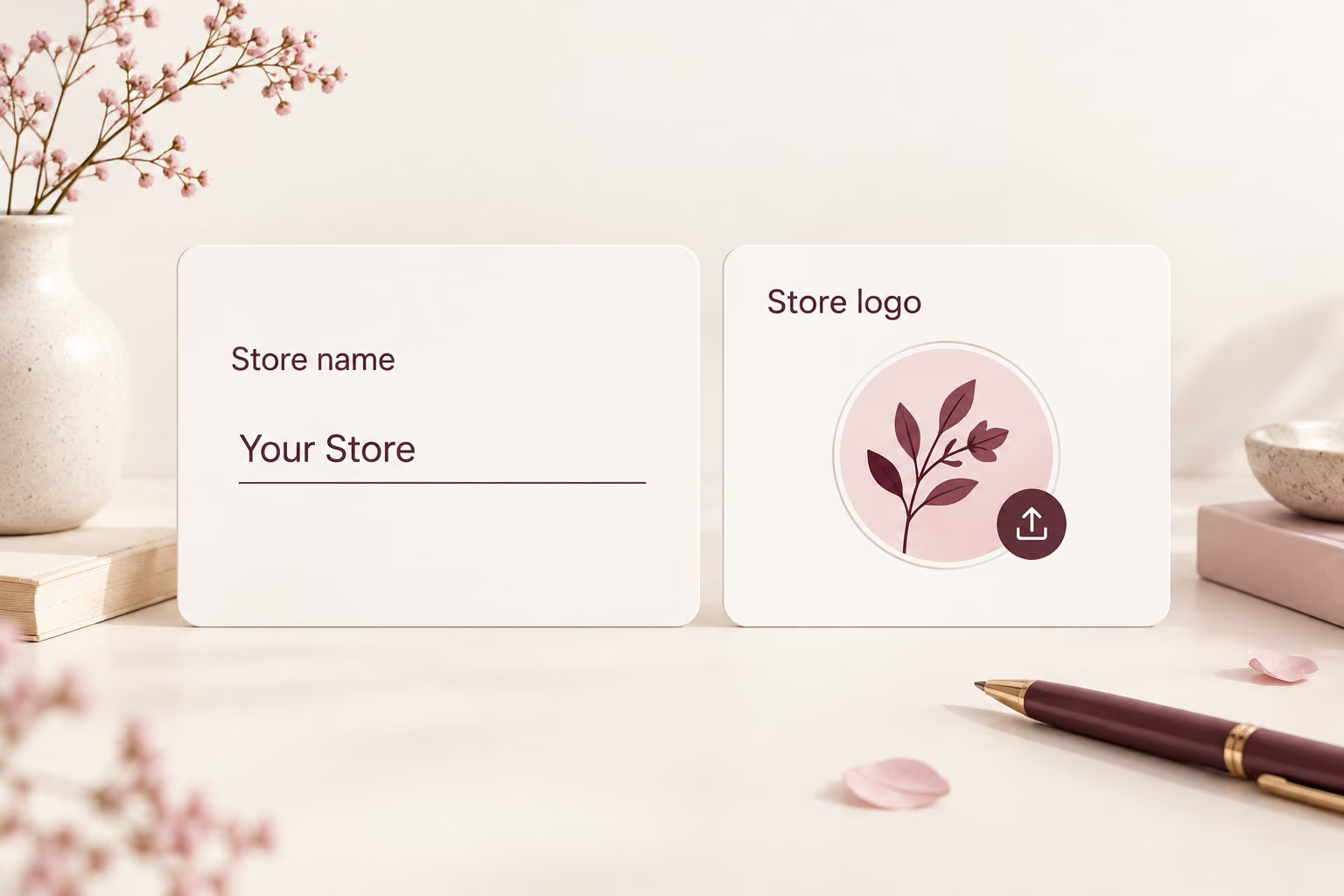
Enter the required Page Name and Store Name. Upload your logo, add an optional brand message and support email, then choose your logistics display settings and page language. Use the live preview to see how your choices appear.
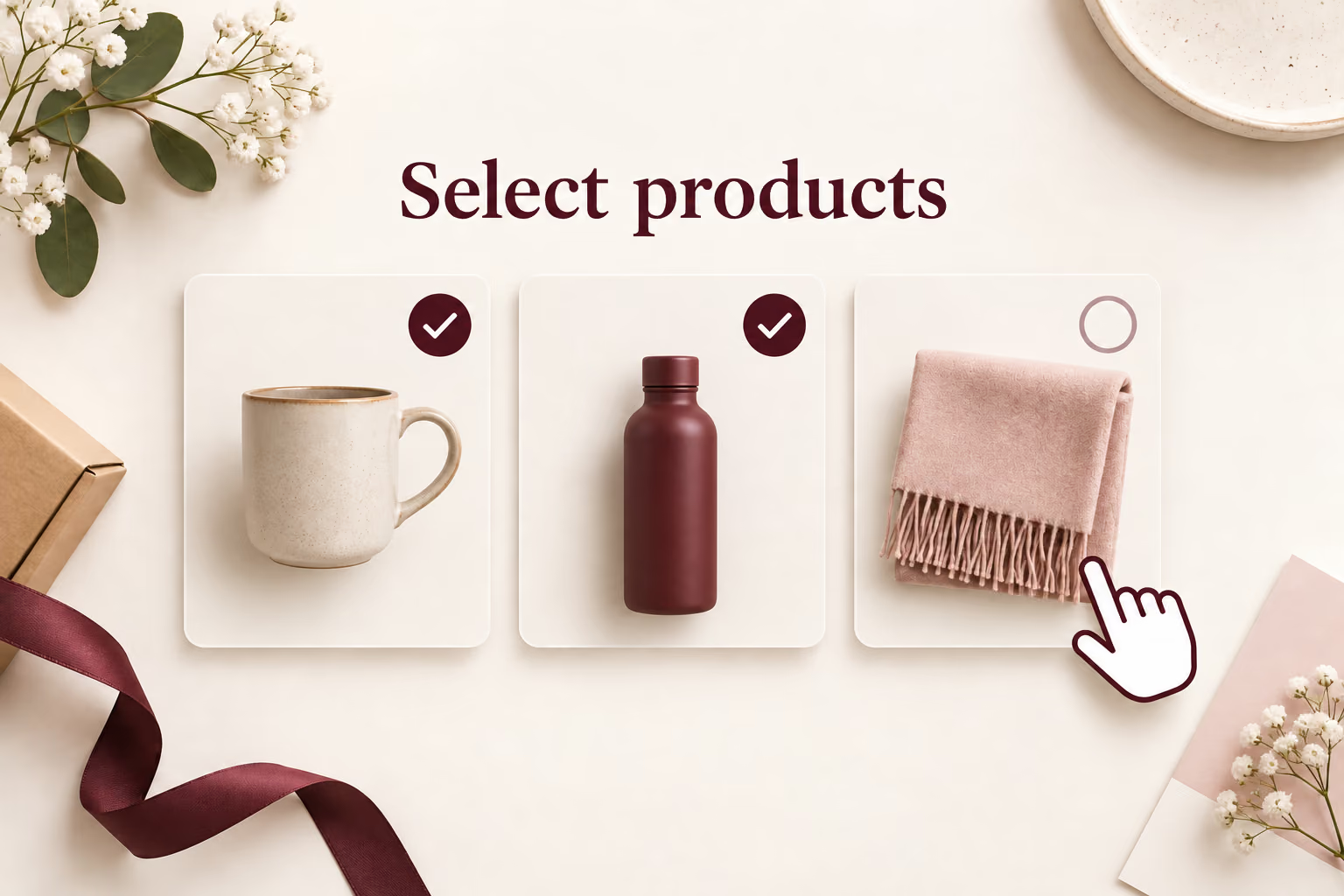
On Pro or Enterprise, enable Upsell Settings and open the product selector. Choose up to four store products and review the Hot Items section in the preview. You can leave upsells off if you want the page to focus on shipment information.
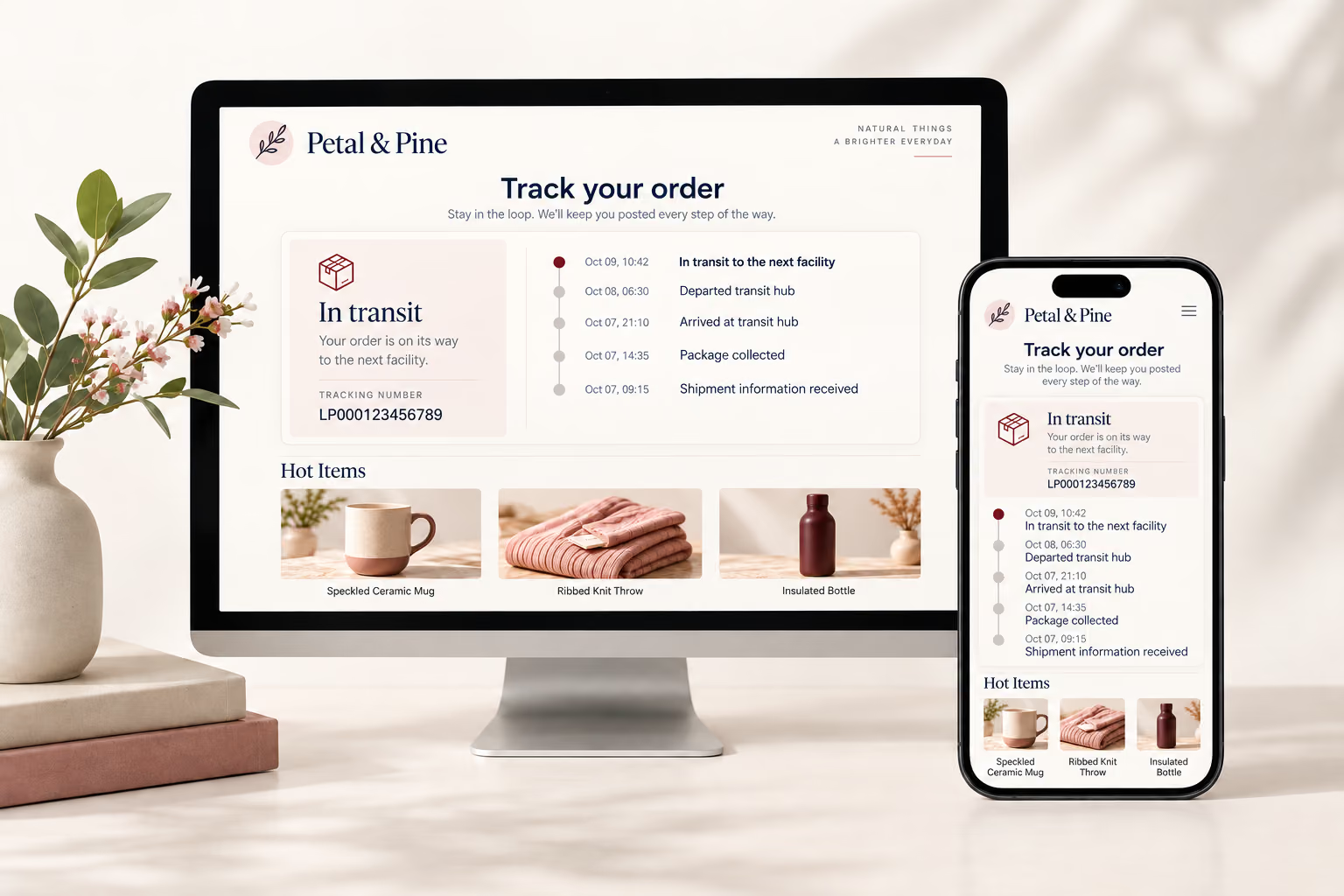
Check both desktop and mobile preview views, click Save, then activate the page from the Tracking Page list. The generated preview link is for demonstration only; use the active tracking link for customers. Saving your design and making it live are separate actions.
Keep your store identity, shipment information, and selected products together after checkout. Start with a recognizable tracking experience, then add the messages and merchandise that suit your customers.
DSers Tracking Page supports Shopify only and is available on Advanced, Pro, and Enterprise. Tracking Upsell is available on Pro and Enterprise only.
No. DSers Tracking Page does not support custom brand colors. You can upload your store logo, enter your store name, and add an optional brand message and support email.
Customers open the tracking link in their shipping confirmation email. Once your page is activated, that link directs them to the tracking experience on your store domain.
No. You select up to four products from your store. Customers can click the displayed products to visit their product detail pages and make a new purchase.
The tracking page automatically deactivates and returns to Draft if your plan expires or drops below Advanced. An active page is required for the branded tracking experience.